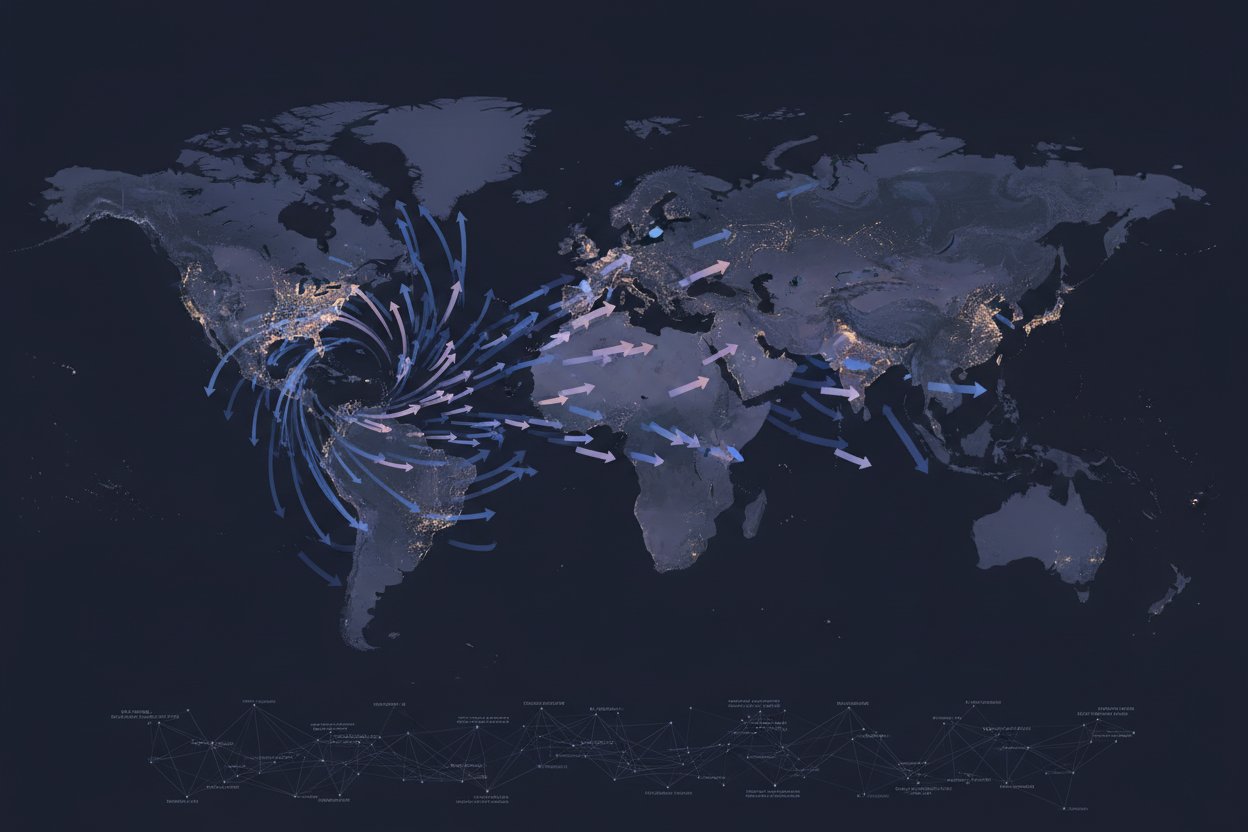
Traditional application monitoring often presents a limited, surface-level view. Error rates, CPU usage, and response times are helpful, but they rarely tell the full story. We're going to take a plunge into experimental observability. This means embracing unconventional data points and techniques to unlock deeper insights into how our applications behave in the wild. We’ll specifically focus on using GeoIP data to enrich our monitoring, leading to a more nuanced understanding of user experience and potential security threats.
Why Dare to Experiment?
The market gap lies in reactive monitoring. Waiting for issues to arise before investigating is no longer sufficient. We need proactive, predictive observability. Experimental observability allows us to:
- Uncover hidden patterns: Identify correlations between user location and application performance issues.
- Detect anomalies early: Spot unusual traffic patterns or access attempts from unexpected regions.
- Improve user experience: Optimize application delivery based on geographic factors.
- Strengthen security posture: Identify and mitigate potential threats targeting specific regions.
Where GeoIP Data Shines: A World of Context
GeoIP data provides a rich layer of contextual information that can significantly enhance application monitoring. Unlike traditional metrics focusing on system-level resources, GeoIP allows us to view application behavior through the lens of location. This capability opens numerous experimental avenues.
The Geo Differentiation Advantage
GeoIP adds distinct advantages. Imagine:
- Distinguish genuine users from potential bots. A sudden surge of requests from a single country could indicate an automated attack.
- Prioritize development resources based on user distribution. Focus optimization efforts on regions with the highest user concentration.
- Enhance personalization by delivering tailored content and experiences based on user location.
Use Cases We're Investigating
- Observing User Flows by Region: Are users in specific regions experiencing drop-offs at particular points in the application?
- Latency Analysis with GeoIP: Correlate latency measurements with geographical locations to pinpoint network bottlenecks.
- Security Event Correlation: Track suspicious activities originating from high-risk regions.
Pricing that Makes Sense: Observability Shouldn't Break the Bank
Implementing experimental observability shouldn't require a massive upfront investment. Consider a tiered pricing model that scales with the volume of GeoIP lookups performed during monitoring operations. Start with a free tier or a low-cost entry-level plan to test the waters without significant financial commitment. As your need for data grows, you can easily scale up to a plan that meets your requirements. Don't focus on immediate cost reductions. Think about ROI from superior security and better user experience.
Estimating Your GeoIP Lookup Needs
The number of GeoIP lookups required depends on several factors, including:
- Traffic Volume: Higher traffic naturally leads to more lookup opportunities.
- Monitoring Frequency: How often do you intend to enrich event data with GeoIP information?
- Data Granularity: Do you need precise city-level accuracy, or is country-level information sufficient?
Charting a Course: Adoption Plan for Experimental Observability
Embarking on an experimental observability journey requires a well-defined plan. We are not just looking to passively observe, but also actively experiment and improve. These are the basic steps:
Practical, Actionable Steps
- Choose a Monitoring Platform: Select a platform that allows you to ingest custom metrics and correlate them with GeoIP data.
- Integrate GeoIP API: Integrate the GeoIP.space API directly into your application or your monitoring pipeline to enrich event data with location information. See our guide on Implementing Zero-Trust Access with GeoIP Enrichment: A Step-by-Step Guide for an integration example.
- Define Key Metrics: Identify the metrics you want to monitor and how GeoIP data can enhance them.
- Build Dashboards and Alerts: Create dashboards to visualize GeoIP-enriched data and set up alerts to trigger when anomalies are detected.
- Iterate and Refine: Continuously analyze your data and refine your monitoring strategy based on your findings.
Checklist for Initial Setup:
- Select monitoring tool.
- Create a GeoIP.space account.
- Obtain API key.
- Test GeoIP API integration.
- Define initial set of metrics for GeoIP enrichment.
- Build simple dashboard to visualize enriched data.
The Roadmap: Beyond Basic Monitoring
The future of application monitoring lies in proactive, predictive observability powered by data. Experimental observability is the key to realizing that future. Let's build on this foundation.
Future Directions
- A/B Testing Geo-Targeted Features: Experiment with different features based on user location and measure their impact on key metrics.
- Predictive Capacity Planning: Use GeoIP data to forecast future resource needs based on anticipated traffic patterns from different regions.
- Automated Threat Response: Automatically block or throttle traffic from suspicious regions based on real-time analysis of GeoIP data.
Anti-Patterns to Avoid
- Over-Reliance on Location Data: Location data should complement, not replace, traditional monitoring metrics.
- Ignoring Data Privacy: Be mindful of data privacy regulations and obtain user consent when collecting location data.
- Neglecting Accuracy Issues: GeoIP data is not always perfectly accurate. Implement strategies to handle potential inaccuracies.
Lessons Learned from Early Adopters
Companies using geo-enhanced application monitoring typically report quick success in identifying and resolving performance bottlenecks based on location. Early stage issues, which are common and should be addressed promptly, include:
- API integration failures
- Inaccurate or inconsistent GeoIP results due to caching issues or API failures
- Unexpected data privacy issues stemming from the storage or handling of location data.
Want to dive deeper into the world of GeoIP-driven application observability? Sign up for a free trial and start exploring the possibilities.
Related reads
Deep Dive: Implementing GeoIP Enrichment for Observability
Let's explore a concrete example. Suppose you have an e-commerce application and want to monitor the geographic distribution of failed login attempts. This can give you insights into potential brute-force attacks or compromised user accounts.
Example: Failed Login Attempt Monitoring
- Capture Failed Login Events: Your application should log every failed login attempt, including the user's IP address.
- Enrich with GeoIP Data: Use the GeoIP.space API to determine the location associated with each IP address.
- Aggregate and Visualize: Aggregate the failed login counts by country or region and visualize the data on a dashboard.
Here's a simplified Python code snippet demonstrating how to enrich failed login events with GeoIP data:
  import requests
  import json

  def enrich_with_geoip(ip_address, api_key):
      url = f"https://geoip.space/api/v1/geoip?key={api_key}&ip={ip_address}"
      try:
          response = requests.get(url)
          response.raise_for_status()  # Raise HTTPError for bad responses (4xx or 5xx)
          data = response.json()
          return {
              "country": data.get("country", None),
              "city": data.get("city", None),
              "latitude": data.get("latitude", None),
              "longitude": data.get("longitude", None)
          }
      except requests.exceptions.RequestException as e:
          print(f"Error during GeoIP lookup: {e}")
          return None

  # Example usage
  api_key = "YOUR_API_KEY"  # Replace with your actual API key
  failed_login_ip = "8.8.8.8"  # Some IP to lookup
  geoip_data = enrich_with_geoip(failed_login_ip, api_key)

  if geoip_data:
      print(f"GeoIP Data for {failed_login_ip}: {geoip_data}")
  else:
      print(f"Failed to retrieve GeoIP data for {failed_login_ip}")
Remember to replace
YOUR_API_KEYwith your actual GeoIP.space API key. - Set Up Alerts: Configure alerts to notify you when the number of failed login attempts from a particular region exceeds a predefined threshold.
Expanded Checklist for Production Readiness
- [x] Select monitoring tool.
- [x] Create a GeoIP.space account.
- [x] Obtain API key.
- [x] Test GeoIP API integration.
- [x] Define initial set of metrics for GeoIP enrichment.
- [x] Build simple dashboard to visualize enriched data.
- Implement robust error handling for GeoIP API calls (consider retry mechanisms, circuit breakers).
- Implement caching to reduce API call volume and improve performance.
- Define data retention policies compliant with privacy regulations.
- Implement role-based access control to restrict access to sensitive location data.
- Configure alerting thresholds based on historical data and business context.
- Regularly review and update your GeoIP enrichment strategy based on evolving threats and application behavior.
- Monitor API usage to stay within your allocated quota and avoid unexpected costs.
- Implement logging and auditing of all GeoIP-related activities.
Fine-Grained Analysis
Beyond basic country-level analysis, explore city-level or even coordinate-based aggregation. This allows you to pinpoint issues with greater precision. Investigate integrating location data from mobile devices (with user consent, of course) for enhanced user experience optimization. For example, based on user location, provide the appropriate number format of local phone-number input controls.
Advanced Use Cases: Beyond the Basics
Once you've mastered the fundamentals of GeoIP-driven observability, you can explore more advanced use cases.
Dynamic Content Personalization
Deliver personalized content and experiences based on user location. For example, display local news, weather information, or product recommendations tailored to the user's region. This improves engagement and can drive conversions. Use cases include:
- Displaying prices in the local currency.
- Suggesting nearby stores or restaurants.
- Showing relevant advertisements.
Fraud Detection and Prevention
Use GeoIP data to detect and prevent fraudulent activities. Identify suspicious transactions originating from high-risk regions or those that deviate from the user's typical location. Integrate GeoIP data with your fraud scoring models to improve their accuracy. Consider implementing these strategies to enhance fraud detection:
- Flag transactions originating from TOR exit nodes or VPNs.
- Verify the user's location against their billing address.
- Monitor for account takeovers from unusual locations.
Compliance and Regulatory Adherence
Leverage GeoIP data to ensure compliance with regional regulations. Block access to restricted content or services based on user location. Implement geo-fencing to enforce geographic restrictions. This is critical for industries such as gaming, gambling, and financial services. These are crucial steps to take:
- Identify and comply with relevant data privacy regulations (e.g., GDPR, CCPA).
- Implement mechanisms to obtain user consent for location data collection.
- Regularly review and update your compliance policies based on evolving regulations.
Refining Your Observability Strategy: Iteration and Adaptation
Experimental observability is an ongoing process, not a one-time implementation. Continuously analyze your data, refine your monitoring strategy, and adapt your approach based on your findings.
Proactive Alerting Strategies
Don't just react to anomalies; anticipate them. Use GeoIP data to proactively identify potential issues before they impact users. For example, monitor for sudden spikes in traffic from a particular region that could indicate a DDoS attack. These implementations can give you a better grasp on traffic spikes and other anomalies:
- Implement baseline monitoring to establish normal traffic patterns.
- Set up alerts based on deviations from the baseline.
- Use machine learning algorithms to predict future anomalies based on historical data.
Data Visualization Best Practices
Choose the right visualization techniques to effectively communicate your GeoIP-enriched data. Use heatmaps to visualize traffic distribution, choropleth maps to show data by region, and scatter plots to correlate location with other metrics. These steps can help improve visualization best practices:
- Use clear and concise labels.
- Choose appropriate color schemes.
- Avoid overcrowding the dashboard with too much information.
- Ensure the dashboard is accessible to users with disabilities.
Ongoing Optimization
Continuously evaluate and optimize your GeoIP enrichment process. Monitor API performance, identify areas for improvement, and adapt to changes in your application and user behavior. This allows you to improve how API processes are handled and improve user experience.
- Regularly review your API usage and optimize your caching strategy.
- Monitor the accuracy of GeoIP data and implement strategies to handle inaccuracies.
- Stay up-to-date with the latest GeoIP API features and updates.
Relevant offers
If this article matches your task, here are two offers you can use to move from insight to implementation without extra discovery.