Event-driven architecture (EDA) is often touted as the silver bullet for building highly scalable and responsive systems. Add geo-intelligence to the mix – enriching events with location data – and the potential seems limitless. However, as someone who's been in the trenches, I've seen these projects fall apart when the myths aren't separated from reality.
This article will guide you through the common misconceptions surrounding event-driven geo-intelligence and provide a practical framework for building a successful system. My intention is to cut through the jargon and equip you with actionable steps, checklists, and anti-patterns to avoid.
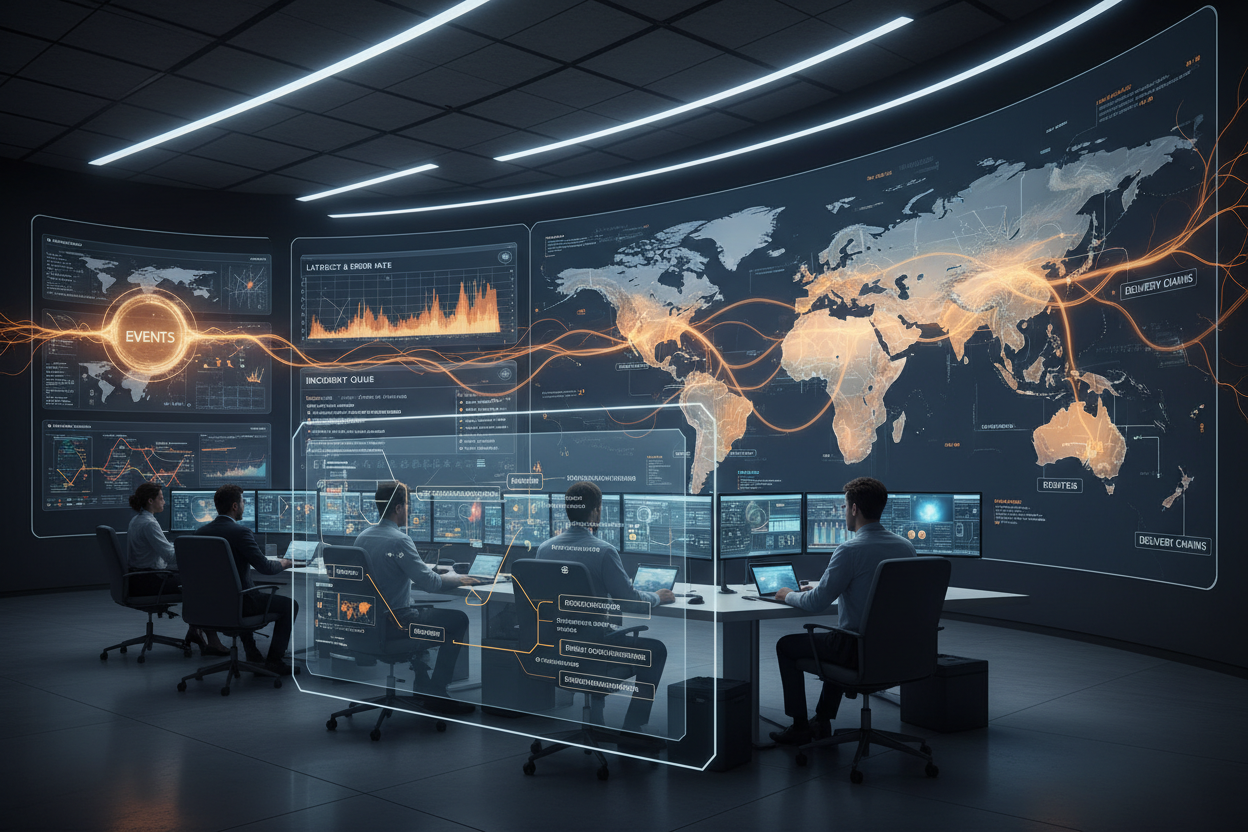
The Promise of Event-Driven Geo-Intelligence
First, let’s clarify what we're talking about. Event-driven geo-intelligence involves capturing business-relevant events (e.g., a user login, a purchase order, a device location update), enriching them with geographic information (e.g., IP address geolocation, geofencing data), and then publishing these enriched events to downstream systems for real-time processing and decision-making. Think of it as creating a stream of actionable insights triggered by things that *happen*, not just periodically checking data.
Decision Framework: Aligning Expectations
Before diving into the technical details, it’s crucial to establish a clear decision framework. This involves defining the business goals, identifying key performance indicators (KPIs), and aligning expectations across all stakeholders. Too often, I see projects fail because they start with the technology and then try to find a problem to solve.
Myth 1: EDA automatically solves all scalability problems.
Reality: EDA can *enable* scalability, but it requires careful design and implementation. Simply throwing more resources at an poorly designed system won't fix it.
Checklist: Define Your Requirements
- Business Goals: What specific problems are you trying to solve? Examples: fraud detection, personalized marketing based on location, supply chain optimization.
- KPIs: How will you measure success? Examples: reduction in fraud losses, increase in conversion rates, improved delivery times.
- Latency Requirements: How quickly do you need to process events? Real-time? Near real-time? Batch?
- Data Volume: How many events per second/minute/day will you be processing?
- Data Accuracy: How accurate do the location data need to be? What is acceptable confidence threshold?
Risk Appetite: Understanding the Trade-Offs
No system is perfect, and all architectures involve trade-offs. It’s critical to understand your organization's risk appetite. How much risk are you willing to accept in terms of data accuracy, latency, and operational complexity?
Myth 2: Geo-intelligence data is always 100% accurate.
Reality: Geo-intelligence is probabilistic, not deterministic. IP address geolocation, for example, relies on various databases and algorithms, which can be inaccurate or outdated. Geofencing relies on GPS data, which can suffer from interference and inaccuracy indoors.
Anti-Pattern: Assuming perfect geo-data and building critical business logic that depends on it without proper error handling.
Example: Risk Assessment
Let's say you're building a fraud detection system based on IP address geolocation. If the geolocation data is inaccurate, you might falsely flag legitimate transactions as fraudulent, leading to customer dissatisfaction. On the other hand, if you're too lenient, you might miss actual fraudulent transactions, leading to financial losses.
Determining your risk appetite involves answering key questions:
- What is the cost of a false positive (flagging a legitimate transaction as fraudulent)?
- What is the cost of a false negative (missing a fraudulent transaction)?
- What is the acceptable level of inaccuracy in the geolocation data?
Geo Thresholds: Defining Actionable Boundaries
Geo thresholds define the boundaries within which specific actions are triggered based on location data. These thresholds need to be carefully defined based on the business requirements and risk appetite.
Myth 3: More granular geo thresholds are always better.
Reality: Finer-grained thresholds increase sensitivity, but also increase the risk of false positives and introduce more complexity in your rules and computations. They might be computationally intensive and harder to maintain.
Mini-Case: Targeted Advertising
I recall helping a retail client implement location-based advertising. Their initial plan was to target users within a 100-meter radius of each store. After some testing, they discovered that this resulted in a high number of irrelevant ads being shown to people simply walking by. They adjusted the threshold to 500 meters and saw a significant increase in ad engagement and conversion rates.
Steps: Defining Effective Geo Thresholds
- Identify relevant locations: Determine the specific geographic areas that are important to your business.
- Define the threshold radius: Set the appropriate radius around each location based on your risk appetite and business goals.
- Test and refine: Continuously monitor the performance of your thresholds and adjust them as needed. A/B testing is your friend.
Escalation Logic: Handling Anomalies
Event-driven systems must be able to handle anomalies gracefully. What happens when the geolocation data is unavailable? What happens when an event violates a geo threshold? How do you escalate these issues to the appropriate team?
Myth 4: Problems resolve themselves in a distributed system.
Reality: Without proper handling, exceptions in EDA will silently cause data to be lost. A good system implements a 'circuit breaker pattern': when a process failures, it shuts itself down to prevent cascading failures. Once that happens, it needs to be fixed by people who know what is going on.
Elements of Escalation Logic
- Monitoring and Alerting: Implement robust monitoring to detect anomalies in real-time. Configure alerts to notify the appropriate team when an issue occurs. Consider Observability & operational excellence principles here.
- Error Handling: Implement error handling mechanisms to gracefully handle exceptions. This might involve retrying failed events, logging errors for investigation, or routing events to a dead-letter queue.
- Fallback Mechanisms: Define fallback mechanisms to use when the geolocation data is unavailable or inaccurate. This might involve using a default location or skipping the geo-enrichment step altogether.
Governance Model: Ensuring Data Quality and Compliance
A strong governance model is essential for ensuring data quality and compliance. This includes establishing clear data ownership, defining data quality standards, and implementing data governance policies.
Myth 5: Once the system is built, governance is optional.
Reality: Governance is a continuous process that requires ongoing monitoring, maintenance, and improvement. Without proper governance, data quality will degrade over time, leading to inaccurate insights and poor decisions.
Components of a Governance Model
- Data Ownership: Identify the individuals or teams responsible for the accuracy and completeness of the geo-intelligence data.
- Data Quality Standards: Define the acceptable level of accuracy, completeness, and consistency for the geo-intelligence data.
- Data Governance Policies: Implement policies to ensure that the geo-intelligence data is used in a responsible and ethical manner.
- Audit Trails: Implement audit trails to track all changes to the geo-intelligence data. This is crucial for compliance and accountability. It is directly related to what is covered in secure API integration.
Wrap-Up: Building a Successful Event-Driven Geo-Intelligence System
Event-driven geo-intelligence can be a powerful tool for building highly scalable and responsive systems. But it's not a magic bullet. By separating the myths from reality and implementing a well-defined decision framework, you can build a system that delivers real value to your business.
Remember to focus on:
- Clearly defining your business goals and KPIs.
- Understanding your risk appetite and making informed trade-offs.
- Defining effective geo thresholds.
- Implementing robust escalation logic.
- Establishing a strong governance model.
- Consider how digital trust frameworks fit into your long term roadmap. More information can be found here.
If you need help architecting or implementing an event-driven geo-intelligence system, I can provide guidance and support. Learn more about my services. Let's discuss your specific needs and build a system that delivers tangible results.
Related reads
Anti-Patterns to Watch Out For
While striving for an effective event-driven geo-intelligence system, avoid these common anti-patterns:
- The 'Black Box' Geo-Enrichment: Treating the geo-enrichment process as a black box without understanding its limitations and potential biases. This can lead to inaccurate data and flawed decision-making.
- Ignoring Data Provenance: Failing to track the origin and lineage of your geolocation data. This makes it difficult to assess data quality and identify potential sources of error.
Solution: I always advocate for attaching metadata that captures source, transformation steps, and confidence levels. - Over-Reliance on Real-Time Data: Assuming that real-time geolocation data is always available and accurate. You may need to handle cases where data is delayed, incomplete, or inaccurate.
Recommendation: Build in tolerance. Use heuristics. - Lack of Observability: Failing to implement adequate monitoring and logging. This makes it difficult to diagnose problems and improve the performance of your system.
- Ignoring Edge Cases: Insufficient test coverage for edge cases involving unusual locations, device behavior, and network conditions.
Technical Implementation Example: Geo-Fencing with Kafka Streams and GeoTools
Let's walk through an example of implementing geo-fencing using Kafka Streams and the GeoTools library. This example focuses on detecting when a device enters or exits a predefined geographic area.
Prerequisites
- Kafka cluster
- Java development environment
- GeoTools library
- Kafka Streams library
Steps
- Define the Geo-Fence: Use GeoTools to define a polygon representing the geo-fence. You can define the polygon using a Well-Known Text (WKT) string or by programmatically creating a
Polygonobject.
import org.geotools.geometry.jts.JTSFactoryFinder;
import com.vividsolutions.jts.geom.Coordinate;
import com.vividsolutions.jts.geom.GeometryFactory;
import com.vividsolutions.jts.geom.Polygon;

public class GeoFence {

    public static Polygon createPolygon() {
        GeometryFactory geometryFactory = JTSFactoryFinder.getGeometryFactory(null);
        Coordinate[] coordinates = new Coordinate[] {
            new Coordinate(-74.0, 40.7), // Example coordinates (adjust to your needs)
            new Coordinate(-73.9, 40.7),
            new Coordinate(-73.9, 40.8),
            new Coordinate(-74.0, 40.8),
            new Coordinate(-74.0, 40.7)
        };
        return geometryFactory.createPolygon(coordinates);
    }
}
- Create a Kafka Streams Application: Create a Kafka Streams application that consumes geolocation events from a Kafka topic.
import org.apache.kafka.streams.KafkaStreams;
import org.apache.kafka.streams.StreamsBuilder;
import org.apache.kafka.streams.StreamsConfig;
import org.apache.kafka.streams.kstream.KStream;
import java.util.Properties;
import com.vividsolutions.jts.geom.Point;


public class GeoFenceStream {

    public static void main(String[] args) {
        Properties props = new Properties();
        props.put(StreamsConfig.APPLICATION_ID_CONFIG, "geo-fence-app");
        props.put(StreamsConfig.BOOTSTRAP_SERVERS_CONFIG, "localhost:9092");
        props.put(StreamsConfig.DEFAULT_KEY_SERDE_CLASS_CONFIG, Serdes.String().getClass());
        props.put(StreamsConfig.DEFAULT_VALUE_SERDE_CLASS_CONFIG, Serdes.String().getClass());

        StreamsBuilder builder = new StreamsBuilder();
        KStream<String, String> stream = builder.stream("location-topic");

        Polygon geoFence = GeoFence.createPolygon();

        KStream<String, String> geoFenceEvents = stream.filter((key, value) -> {
            // Parse geolocation from event (example: "latitude,longitude")
            String[] location = value.split(",");
            double latitude = Double.parseDouble(location[0]);
            double longitude = Double.parseDouble(location[1]);

            GeometryFactory geometryFactory = JTSFactoryFinder.getGeometryFactory(null);
            Point point = geometryFactory.createPoint(new Coordinate(longitude, latitude));


            return geoFence.contains(point);
        });

        geoFenceEvents.to("geo-fence-events-topic");

        KafkaStreams streams = new KafkaStreams(builder.build(), props);
        streams.start();
    }
}
- Process Geolocation Events: For each geolocation event, extract the latitude and longitude coordinates. Use GeoTools to create a
Pointobject representing the device's location. - Check if the Device is Within the Geo-Fence: Use the
containsmethod of thePolygonobject to determine if thePointis within the geo-fence. - Publish Geo-Fence Events: If the device is within the geo-fence, publish an event to another Kafka topic.
Explanation
- The
GeoFenceclass creates a polygon representing the geo-fence. - The
GeoFenceStreamclass creates a Kafka Streams application that consumes geolocation events from thelocation-topictopic. - The
filtermethod filters the stream of geolocation events to only include events where the device is within the geo-fence. - The
tomethod publishes the geo-fence events to thegeo-fence-events-topictopic.
Considerations
- This is a simplified example. In a real-world scenario, you would need to handle data serialization, error handling, and scalability.
- Consider using a more efficient spatial index to improve the performance of the geo-fencing operation.
- You can extend this example to support multiple geo-fences and different types of geo-fence events (e.g., entry, exit, dwell time).
Checklist: Optimizing Geo-Intelligence Performance
Use this checklist to optimize the performance of your event-driven geo-intelligence system:
- Data Partitioning: Partition your geolocation data based on geographic region to improve query performance.
- Spatial Indexing: Use a spatial index (e.g., R-tree, quadtree) to accelerate spatial queries.
- Data Compression: Compress your geolocation data to reduce storage costs and improve network bandwidth utilization.
- Caching: Cache frequently accessed geolocation data to reduce latency.
- Asynchronous Processing: Use asynchronous processing to avoid blocking the main event loop.
- Horizontal Scaling: Scale out your geo-intelligence system horizontally to handle increased traffic.
- Monitoring and Tuning: Continuously monitor the performance of your system and tune it as needed.
The Importance of Continuous Improvement
Building a successful event-driven geo-intelligence system is not a one-time project. It requires a continuous process of monitoring, maintenance, and improvement. As your business evolves and your data changes, you will need to adapt your system to meet new requirements. I firmly believe that embracing a culture of continuous learning and experimentation is key to long-term success.
Relevant offers
If this article matches your task, here are two offers you can use to move from insight to implementation without extra discovery.
ANTIFRAUD TRACKER risk-ops rollout
I roll out anti-fraud operations with incident queues, escalation rules and measurable traffic-quality control.
Support-to-sales handoff workflow
I configure the support-to-sales handoff so valuable requests do not get lost between systems and teams.